
I’ve talked extensively about using tools like Cursor for non-coding work. These types of apps, born out of traditional coding platforms, are essentially just AI orchestrators. You sit them on top of a file directory (in coding, a repository generally) and have the agent take actions within those files. This translates remarkably well to non-code directories (your business data, your newsletter drafts), and this fact has only become more and more true as agents become more equipped with tooling, giving them the ability to manipulate or create just about any file type, run research on the internet against your content, connect to external services via MCP, etc.
Companies like OpenAI and Anthropic know this, and are starting to develop apps (side-by-side with their AI models!) that appeal more to the non-technical crowd eager to take advantage of AI agents’ expanding abilities. Claude Cowork is the most non-technical friendly, but for folks willing to stretch their brains a bit: OpenAI’s new Codex app is unbelievable.
They’re pretty bullish on it too, giving the app (barely a week old at that point) a full ad slot at the Super Bowl this past weekend. Here’s why.
What Codex can do for non-coders
I’m a nerd. This shouldn’t be surprising. And like every good millennial nerd, I’ve been playing Dungeons & Dragons with a group of friends for a few years now. I’ve become notorious among the group for not being able to keep track of all the abilities my character can do, and getting spacey on details of the story-at-large.
Naturally, I’m now solving this with AI. Specifically: I used Codex to create a "D&D operating system”. This sounds fancier than it actually is (and that’s a good thing). I worked with Codex to develop a directory of files (information on the campaign, character sheets, story recaps) that I can then use Codex over top of to ask questions and give me information on what I can do during the campaign.
Sound weird? It is. But I’ve found that this example is an excellent self-explanation of why using Codex for non-coding tasks feels so effortless. If you can surrender control over to the bot, it can and will impress you. Let me show you how it impressed me.
Step 1: Create a folder, and be open-minded
When you first spin up Codex, it may look intimidating. Thinking of it as a file explorer may help with that. To start, we’re going to create an empty folder on your computer and open it as a project in Codex.
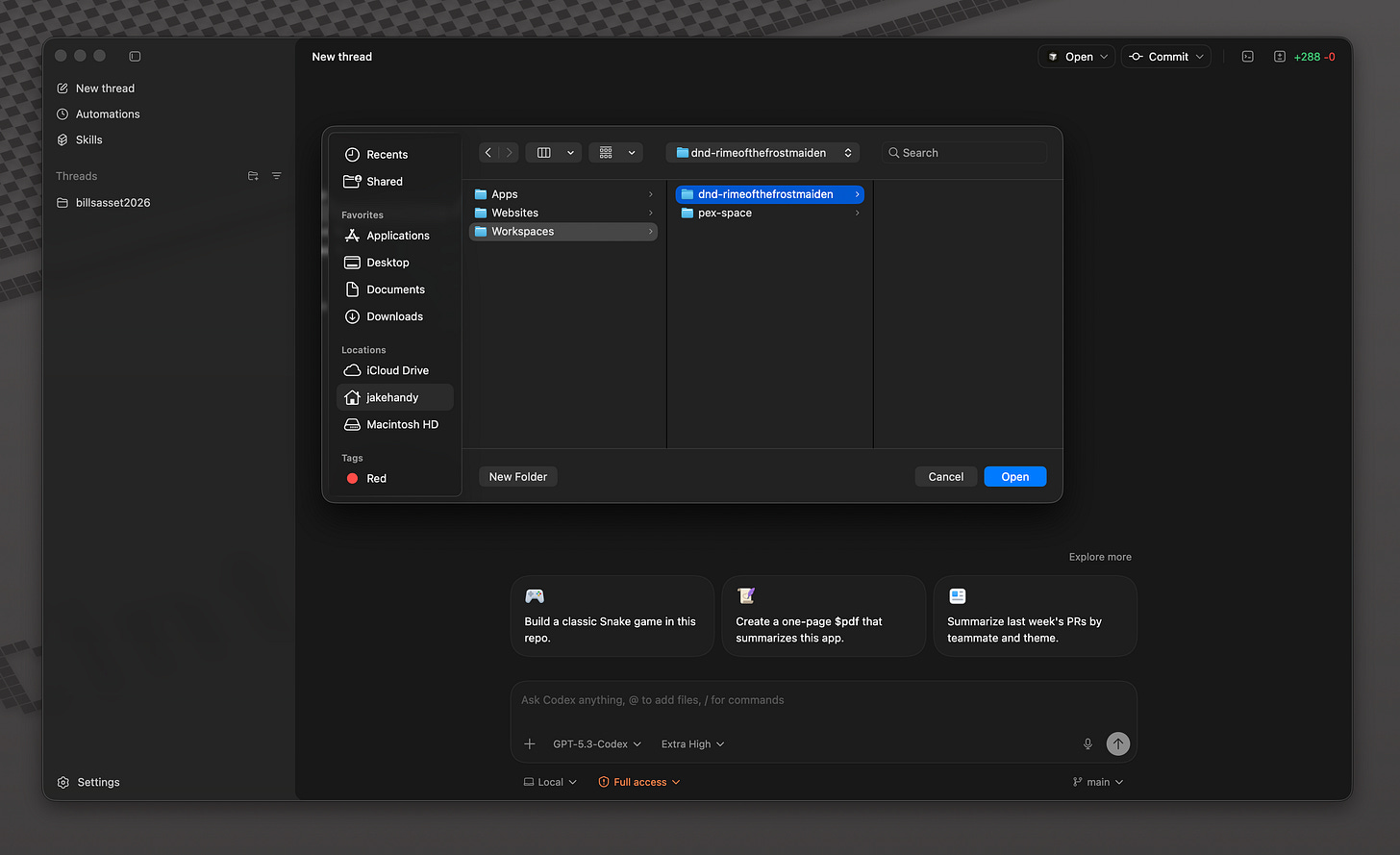
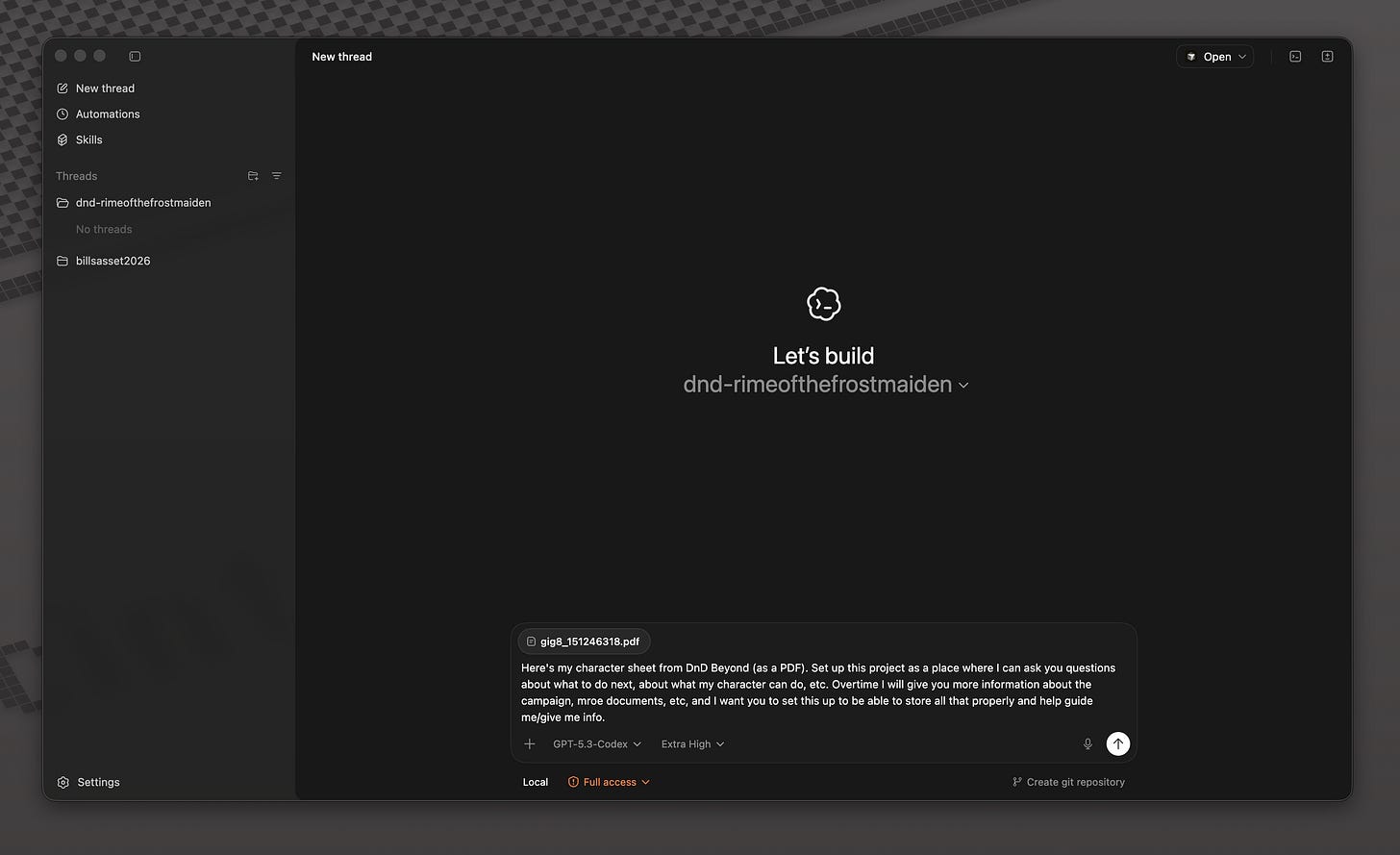
Then, have an open-ended idea to get your project setup. Try to give the agent as much autonomy as possible. For this D&D operating system, I gave the agent my character sheet (which contains all the combat statistics, lore, and abilities that my character can do during a campaign) and prompted:
Set up this project as a place where I can ask you questions about what to do next, about what my character can do, etc. Overtime I will give you more information about the campaign, more documents, etc, and I want you to set this up to be able to store all that properly and help guide me/give me info.
My agent got to work.
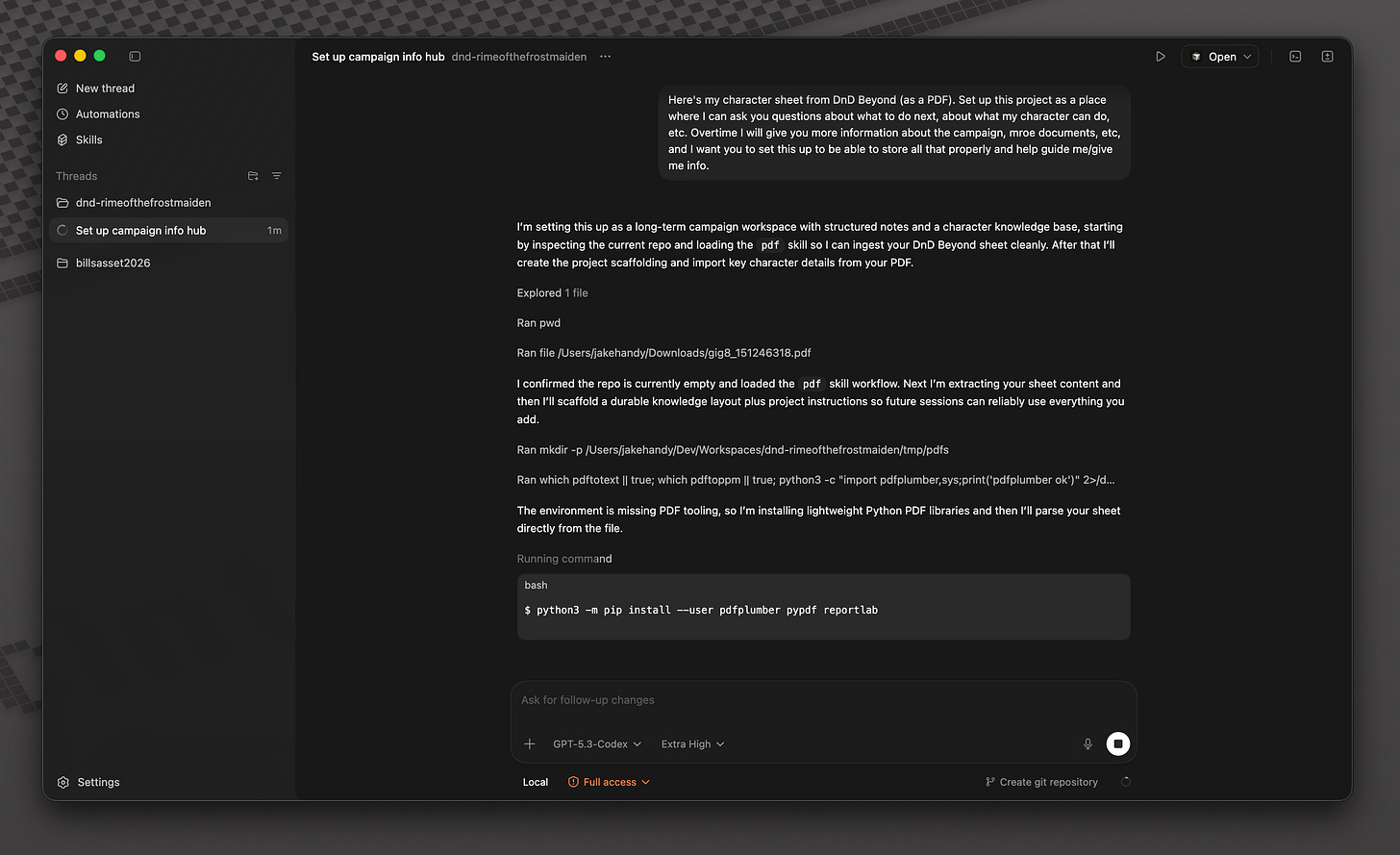
Step 2: Check out what your agent did, and guide it
My agent did as I asked, and set up a (very robust) system for managing my character and learning about the campaign-at-large. It created multiple folders for storing different kinds of data, documents, and any scripts it feels are needed to speed along its D&D processes.
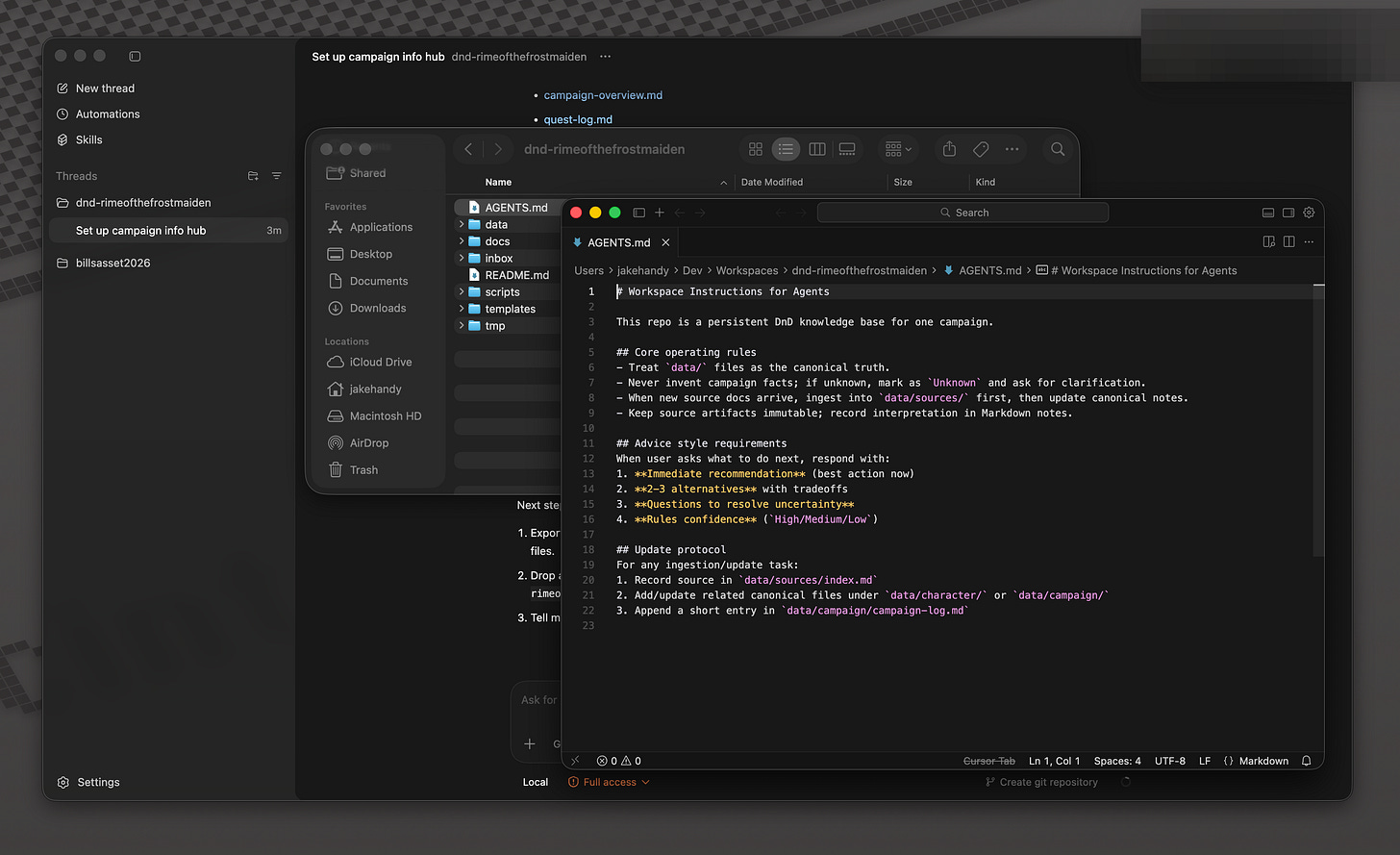
It also created an AGENTS.md file and an operating file, which serve as its formal instructions for how to operate within the project. I prompted for none of this. I knew the agent would know best how to organize this kind of system, and trusted it to do so.
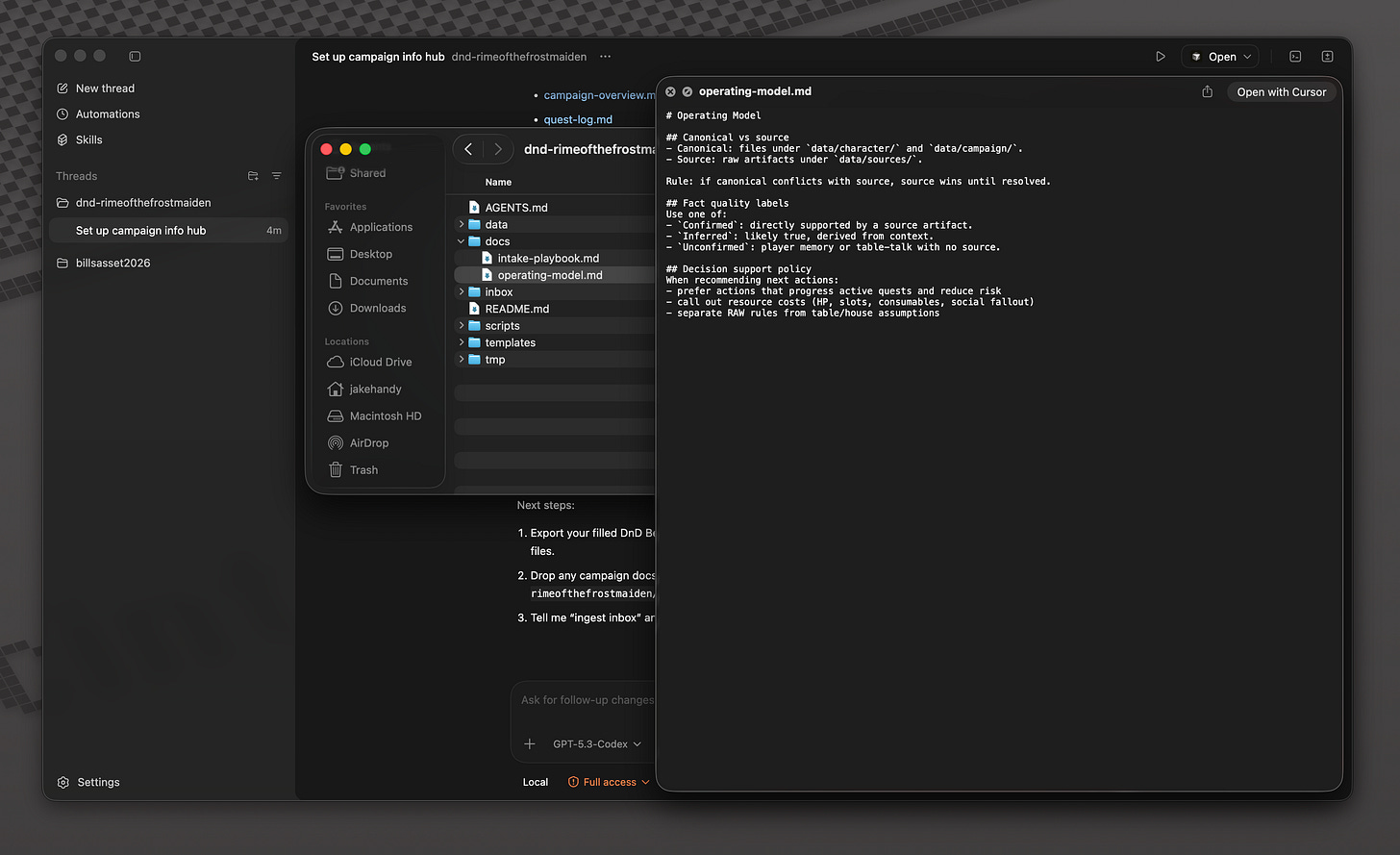
Ultimately, I wanted some tweaks. You will too, depending on how open-ended your project setup prompt was. Keep in mind that you can spin up as many agents within the project as you want, so you can have multiple bots adjusting your project at one time.
Step 3: Add more data and context
Now that the bones of the D&D operating system were set up, I needed to add more context. So far the agent only had my character sheet; this is great for knowing about my character, but what about the rest of the party? And what about the context of the campaign that my DM has worked so hard to craft?
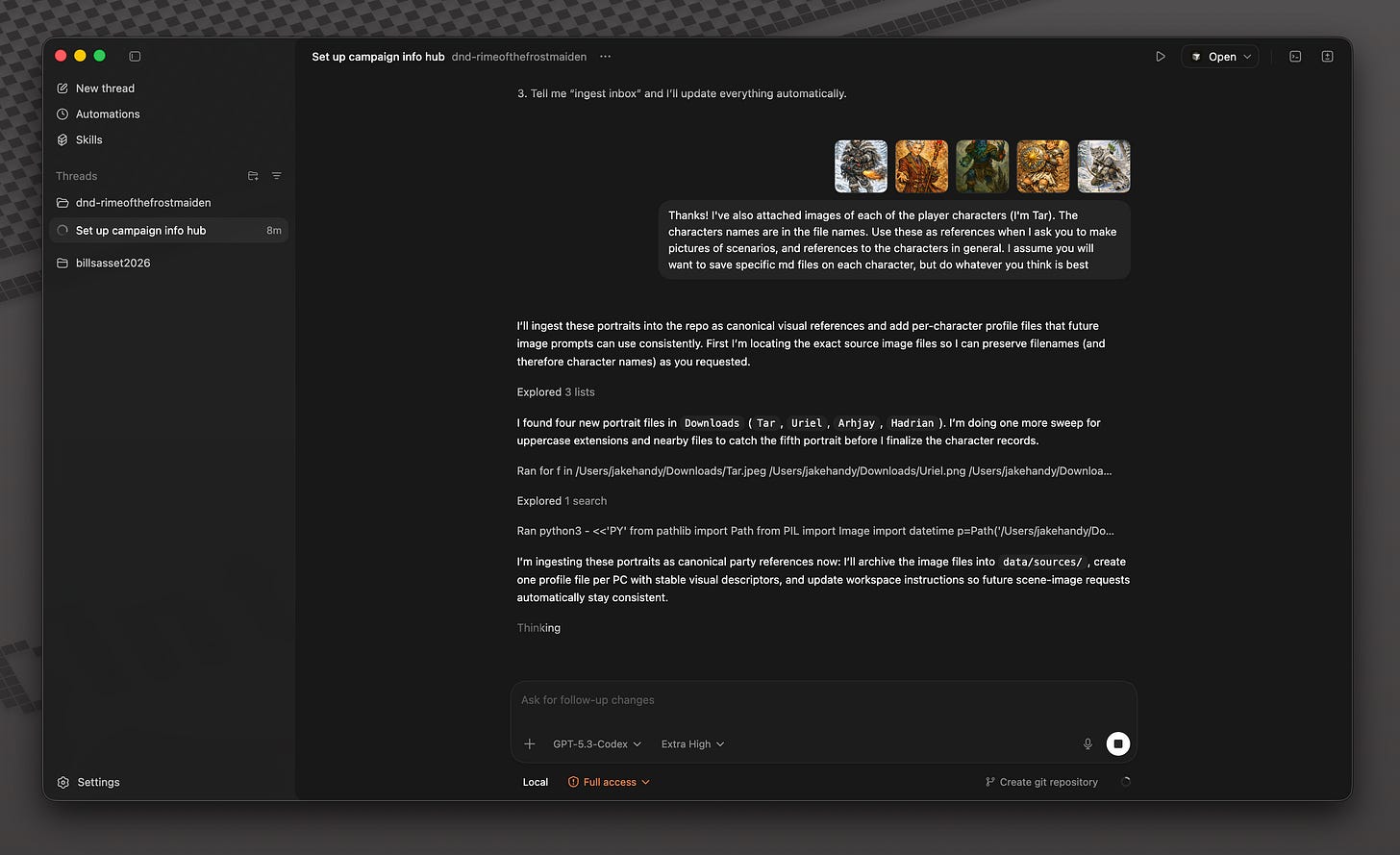
First, I gave it info about the party. This included pictures of each member. Within Codex, you can add different “Skills”; think of these as tools or instructions for the agent to access. One of those skills is OpenAI’s native image generation. By giving the project visual context of the character, going forward I can ask my agents to generate scenarios that come up during our sessions.
I also need my agents in this project to have story context. This is debatably the most important part of the system for me; it’s hard to remember who told me about a magical stone last session, or the name of the suspicious wizard that warned us
So, I gave it the our session notes.
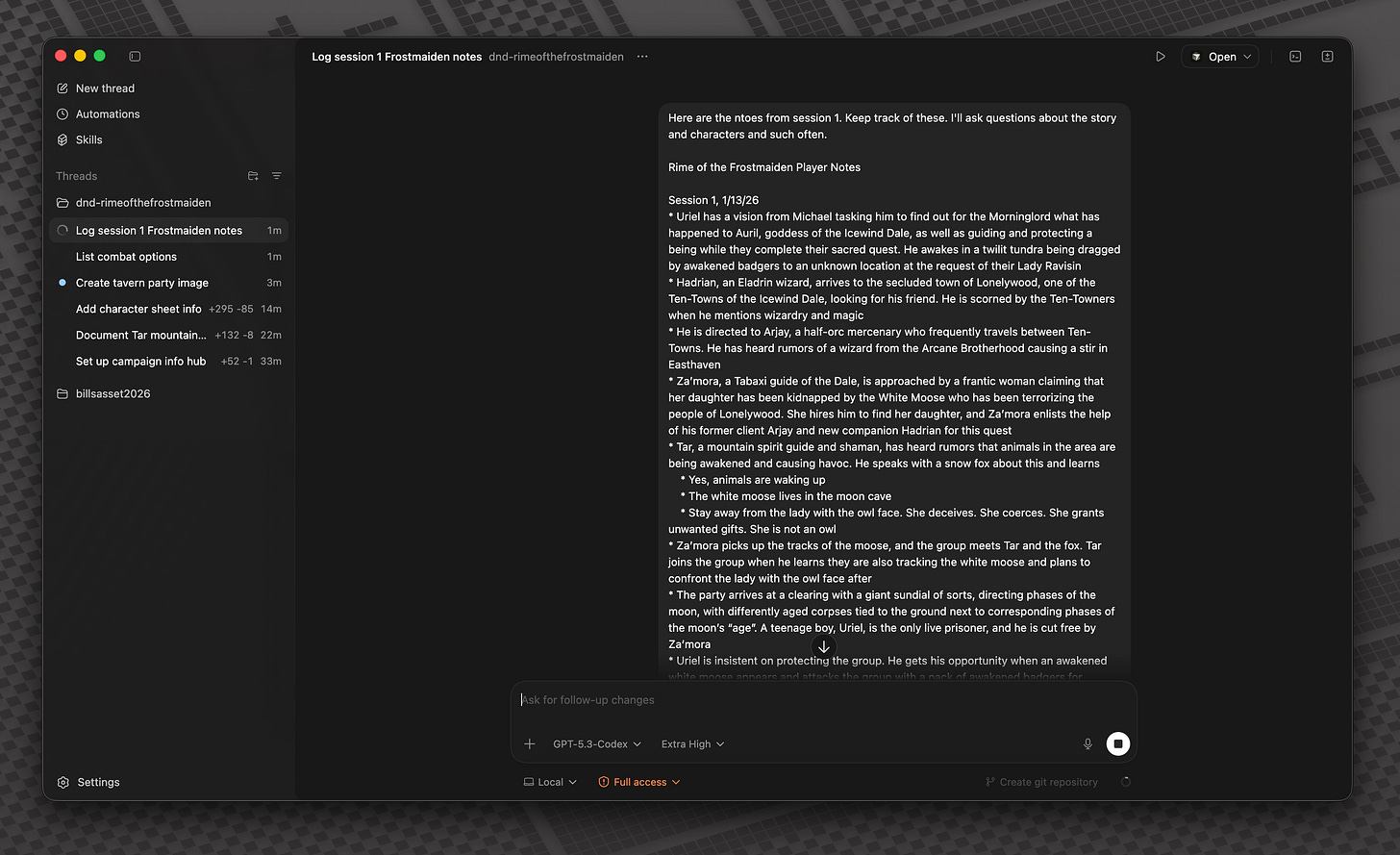
This is something I’ll do after every session, in addition to adding notes during.
Step 4: Interact and enjoy
Two days ago we had our next session. My system was ready to be put to the test. My whole goal here was to be able to chat with my agents during a session, feeding it additional story context, asking it for clarity on my combat stats, and getting opinions on potential options to move the story forward.
I put it to the test. It worked flawlessly.
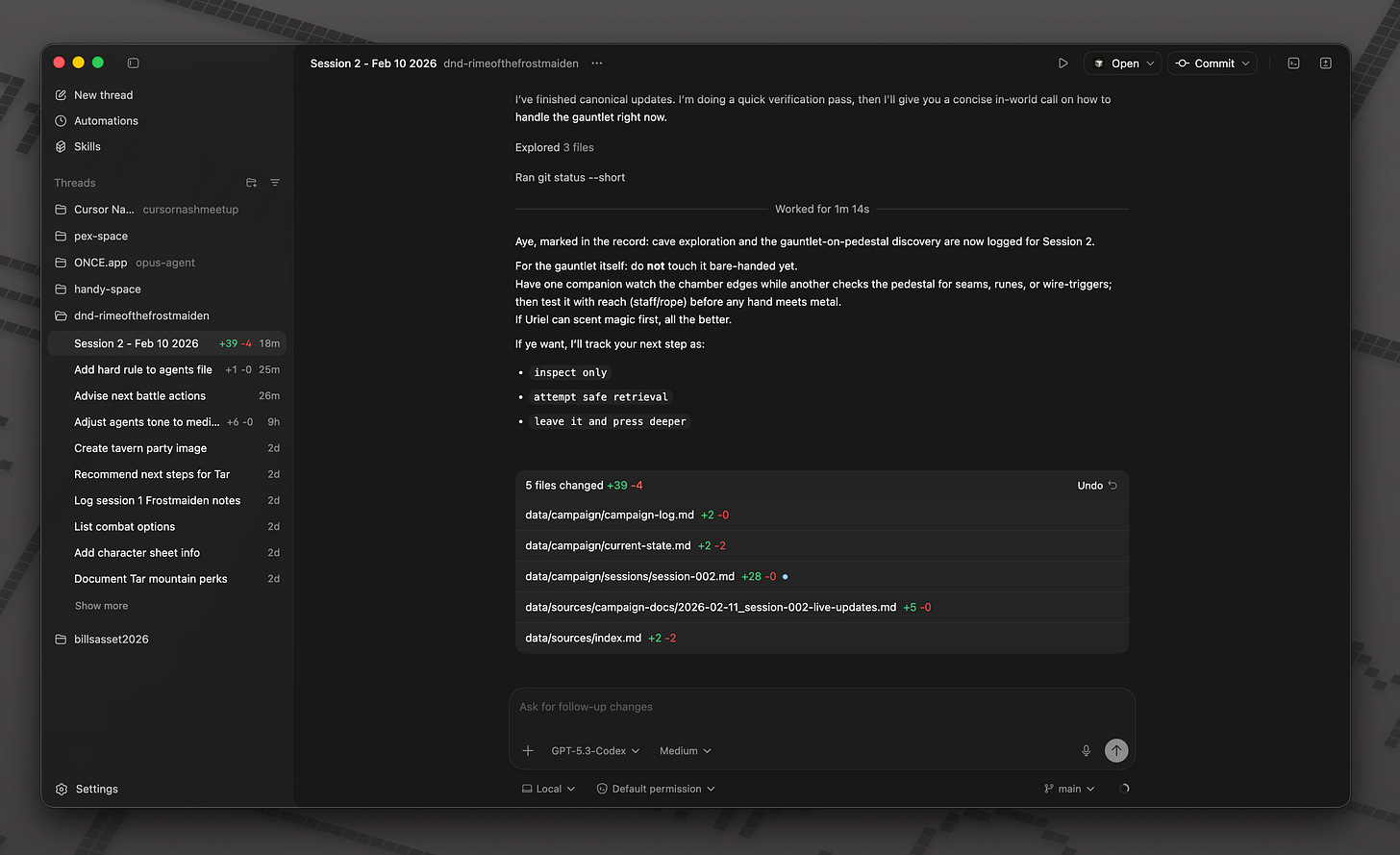
If we got into combat, I asked what I could do next. I told it when I lost hit points and when I used spells. My agent was my D&D copilot, helping me stay on top of all the various systems that make the game tick.
In story segments, I was able to ask for ideas on what to do next. I relayed that one party member decided to put on a (suspicious-looking) gauntlet, and it brainstormed ideas with me to help in the case that disaster struck.
Each prompt I gave it, it would fiddle around and update its local files. At one point it started a line-by-line log of the session, after it realized that I wanted it to track the story beats over time. As the session ended, I began to realize the depth of the system that Codex had created, and I got more and more excited.
If it could do this for Dungeons & Dragons, what can it do for business analysts? Researchers? CEOs?
A side note for the hardcore: I open-sourced the D&D project! I'll keep this public so you can see as the campaign evolves, or copy it and use this to manage your own characters.

Check it out here: https://github.com/jakehandy/dnd-rimeofthefrostmaiden
What this means for you
Maybe you’re not a nerd. Or, maybe you’re the data analysis-flavor of nerd and not the D&D kind (but let’s be honest, that Venn diagram overlap has got to be massive). The point I’m making with creating a system around something like Dungeons & Dragons is that these emerging agent orchestration apps can be used for nearly anything.
I’ve often talked about how AI is going to bring about the death of computer-based work. Codex, Claude Cowork, Cursor… these are the tools that are the harbingers of that reality. The shift from coder-based interfaces into more human UI/UX is happening, right before our eyes, and by the end of 2026 you need to be familiar with these tools.
Viva la agents.