
Intended primarily as a research tool, Google’s NotebookLM experimental project is now being used widely to create podcast episodes. It’s novel “Audio Overview” feature allows users to generate conversational audio between two podcast hosts, discussing whatever information they are provided with.
Today, we’re going to show you how to use the tool how to take any topic and turn it into a slick, engaging podcast.
Step-by-Step Guide: From Notes to Podcast
Step 1: Set Up NotebookLM
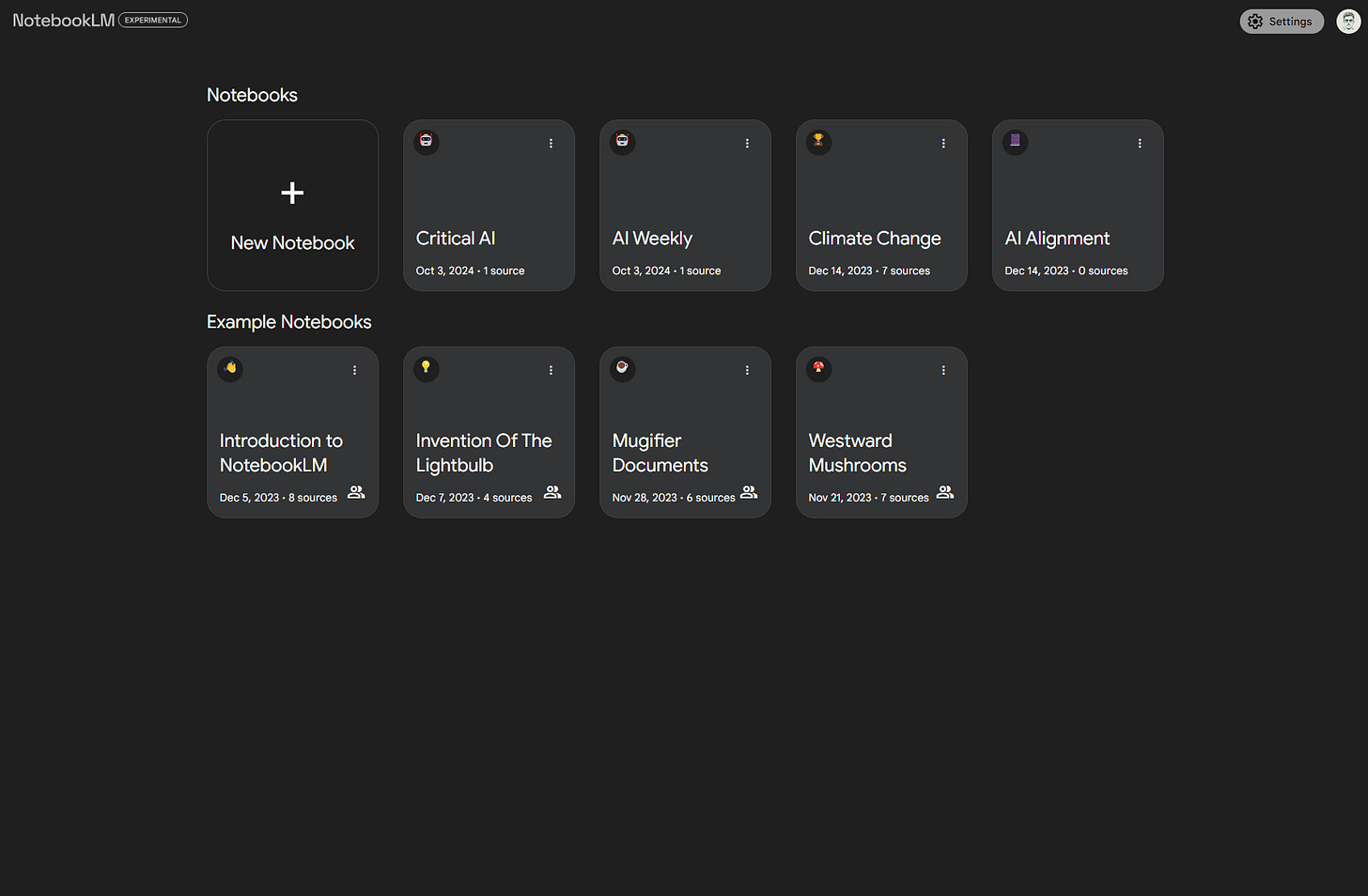
First things first, you need to get yourself to NotebookLM and sign in using your Google account. It’s experimental, which means it's still in its "we're trying this out" phase—but that also means you get to play with the freshest tech on the market. Once you’re in, click New Notebook. This will be the notebook that holds all your source materials, like research papers, slides, articles, and more.
Step 2: Add Your Sources
Next, start filling that notebook with the content you want to base your podcast on. NotebookLM can handle a variety of input types: PDF files, links, Google Docs, meeting transcripts, and even YouTube videos. Don’t stress too much about choosing the "perfect" sources; the AI is designed to synthesize and simplify whatever you feed it. Just make sure the content is actually relevant—garbage in, garbage out.