
OpenAI slipped a quiet bombshell into ChatGPT this week: Deep Research can now read an entire GitHub repository as easily as it skims a Wikipedia page. The connector‑style integration turns a chat window into a full‑text search engine, static‑analysis tool, and documentation generator for any repo you authorize. It’s the strongest argument yet for doing things like code reviews in a chat interface, and it finally puts ChatGPT in the “AI‑in‑your‑codebase” competition.
What exactly landed
OpenAI calls the feature its first “connector” for Deep Research. After a one‑time GitHub OAuth flow, ChatGPT can crawl code, READMEs, and design docs inside the repo, then answer natural‑language questions with inline, source‑linked citations. Access respects GitHub permissions, and newly added repositories appear after a short indexing delay.
- Availability. Team at launch; Plus/Pro over the coming days; Enterprise “soon”.
- Scope. Code, Markdown, and text files only (no commit history).
- Security. Content from business tiers stays out of model‑training by default.
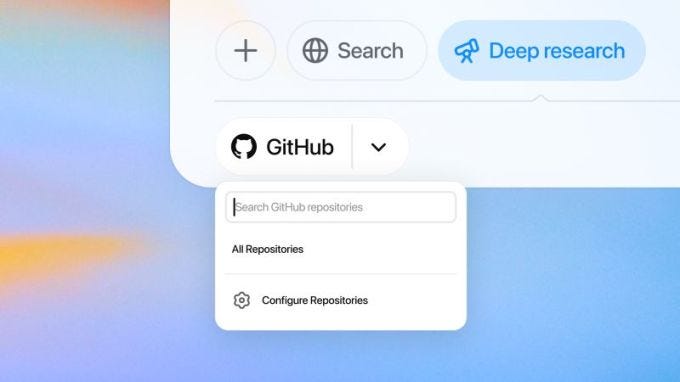
Getting it setup
- Enable Deep Research. Profile menu → Settings → Beta features → Deep Research.
- Attach GitHub. Click the paper‑clip in any chat, pick GitHub, complete OAuth, and select the repos (private or public) you want ChatGPT to see.
- Wait ~5 minutes for first‑time indexing if the repo list feels thin.
- Ask questions. “Trace the auth flow,” “Generate a high‑level architecture diagram,” or “Show every TODO that mentions deprecation.” ChatGPT cites file paths in its answer.